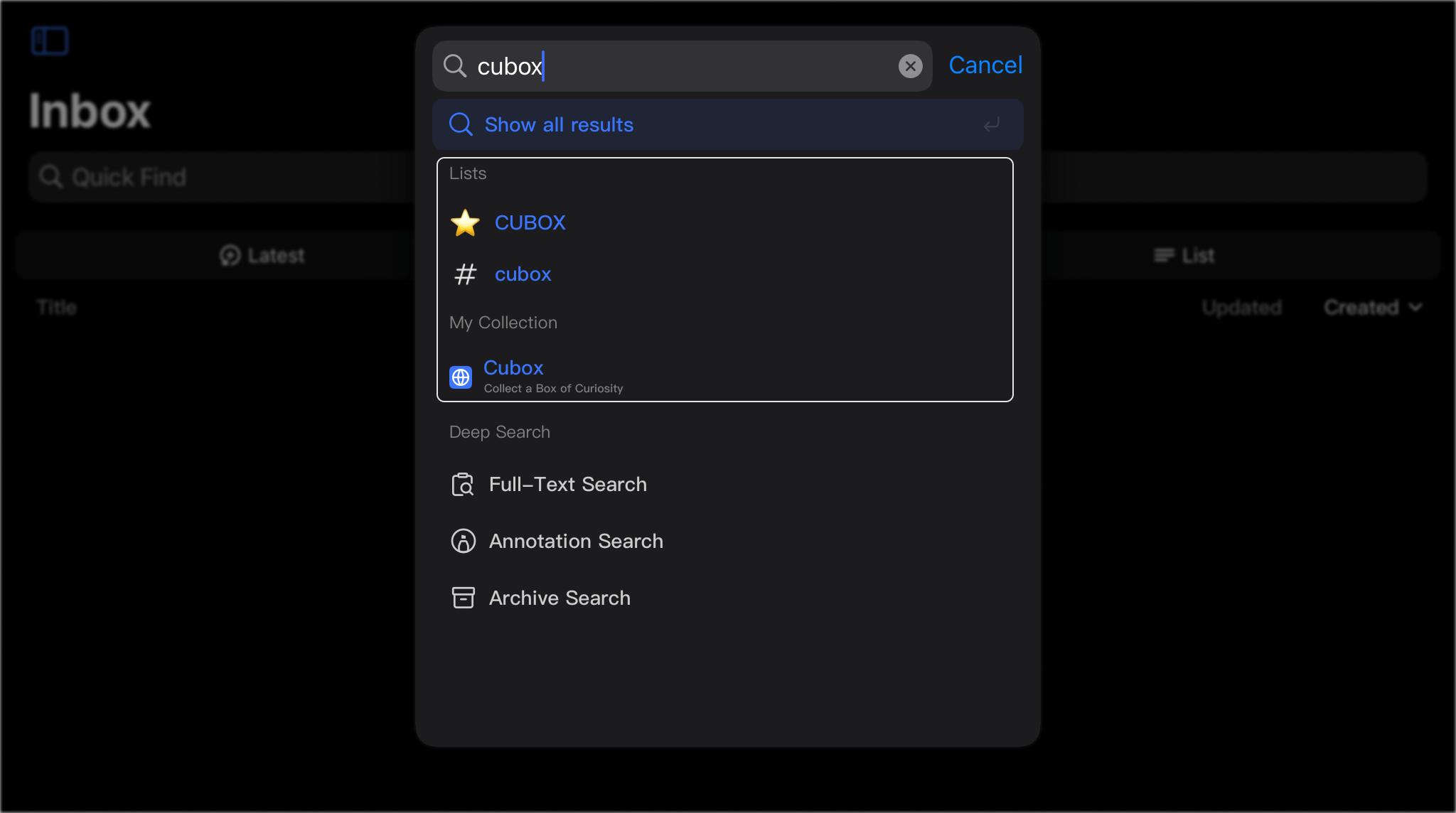
# Quick Search
# Quick Find
Click the search box or use the keyboard shortcuts to start.

🔍 Quick search will match the title, description, and link of the collected card. To search for annotations and article details, please use Annotation Search and Full-Text Search
⌨️ Search Shortcuts:
- iPad/Mac:
⌘F- Mac Assistant:
⌃F- Web version:
⌘B
# Spotlight Search(iPhone, iPad, Mac)
Use Spotlight Search on Apple devices and custom keywords (default is cb) to quickly locate content in Cubox.

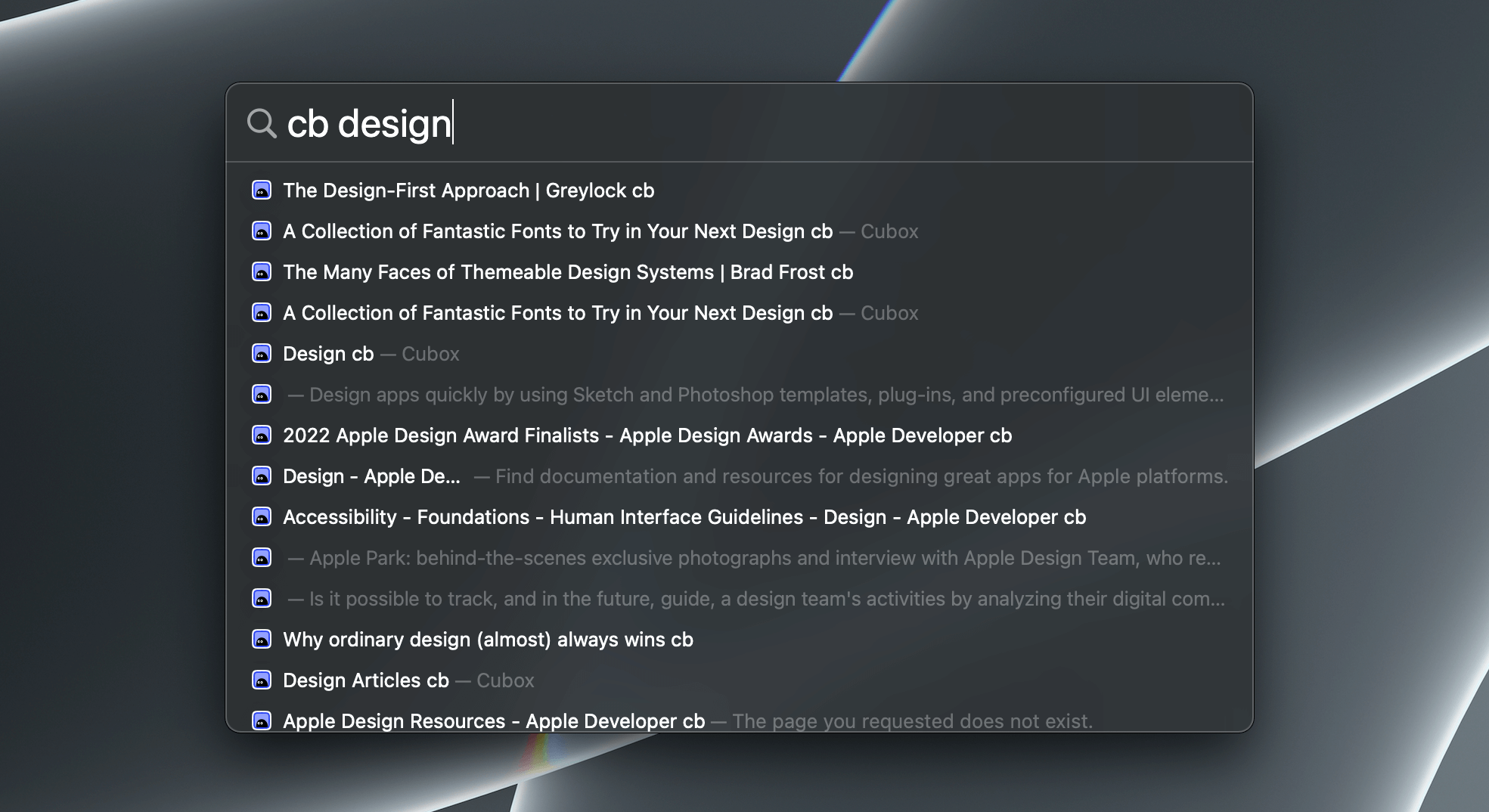
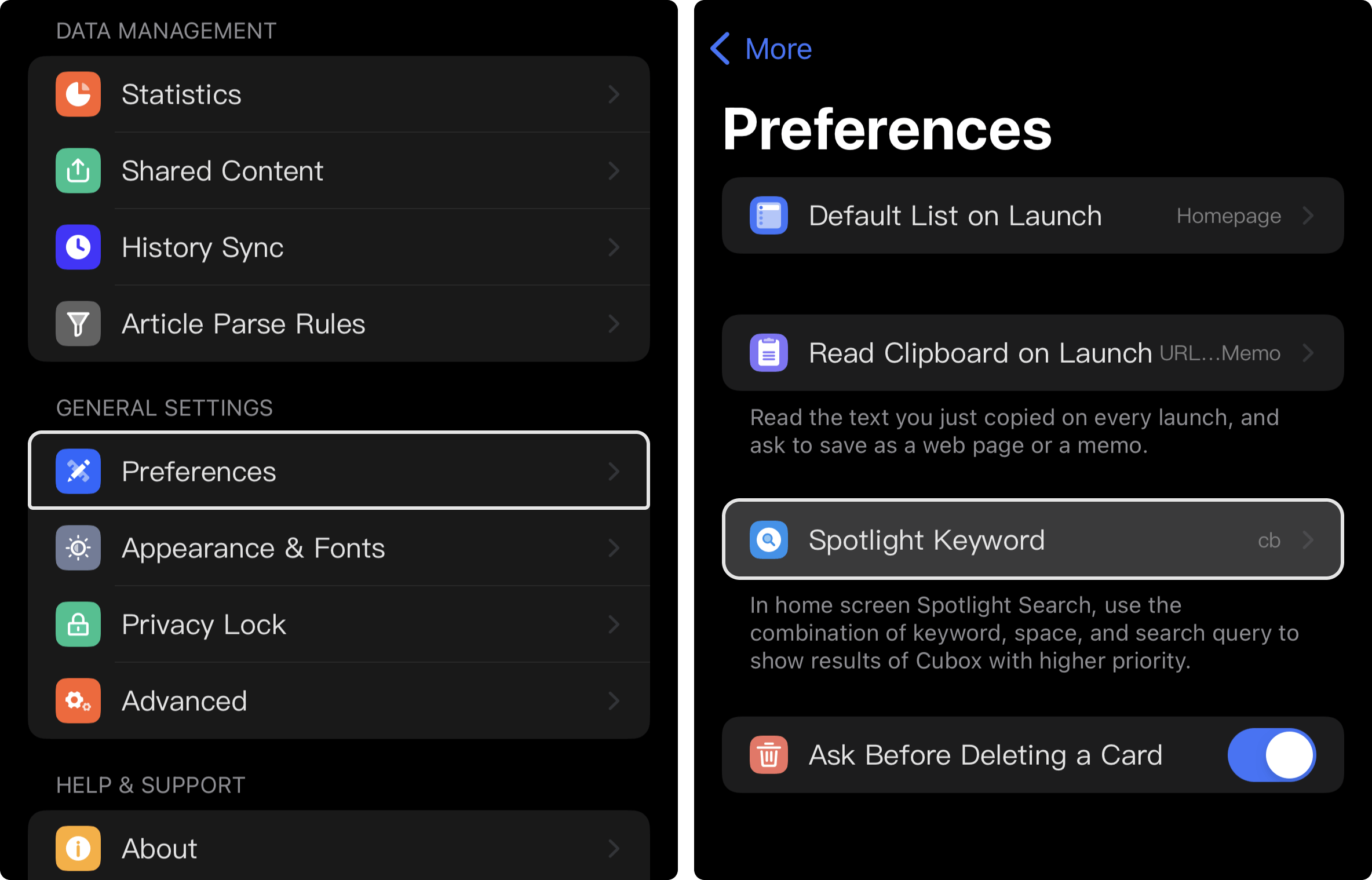
Search keywords can be modified in App
Preferences>Spotlight Keyword.
# Annotation Search
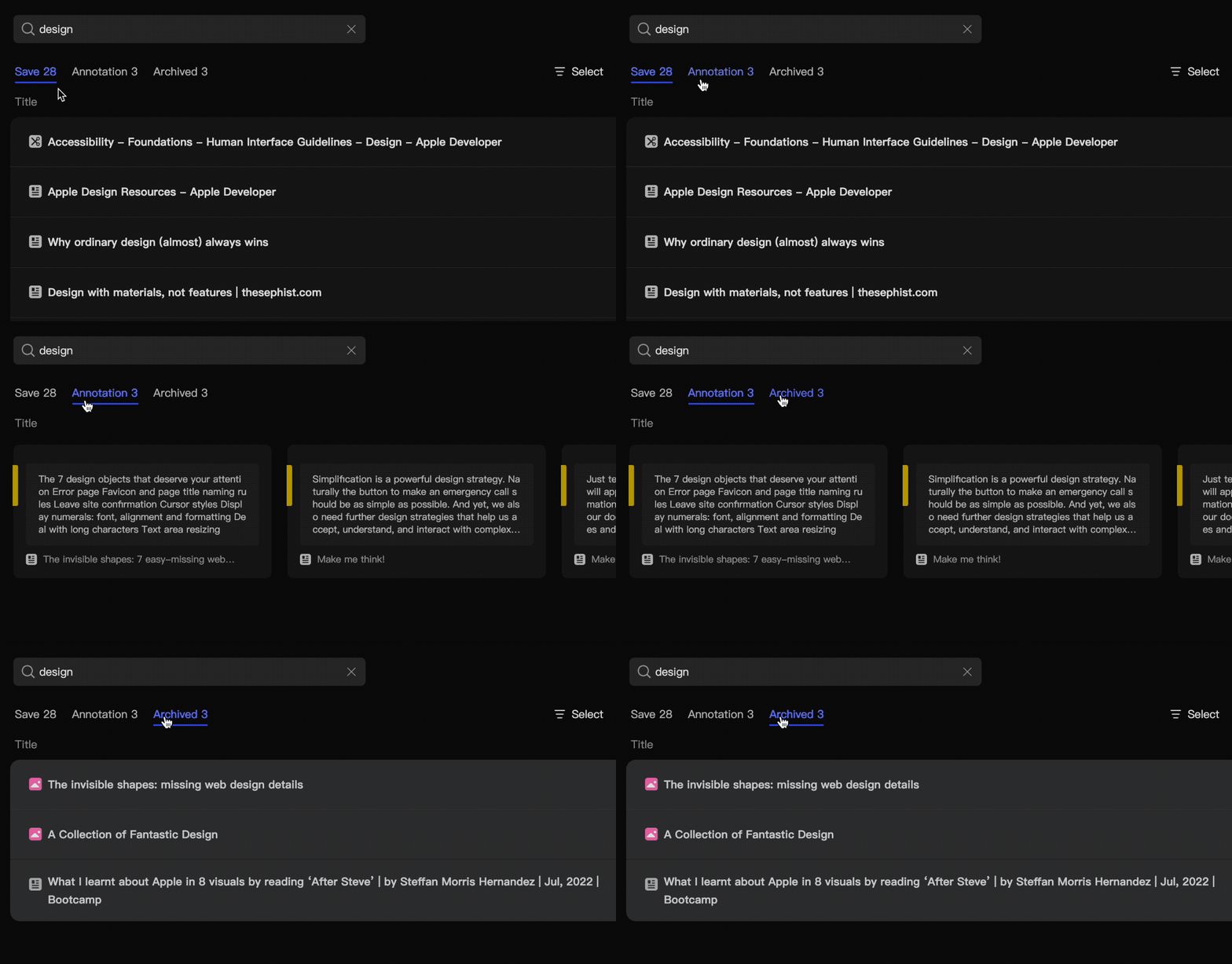
After entering a keyword, click Annotation Search at the bottom of search window.

✅ Mac Assistant supports shortcut
⌘⇧↩︎to search annotations. <!-- The web version supports switching content types in search results: Collections/Annotation/Archived content.
 -->
-->
# Archive Search
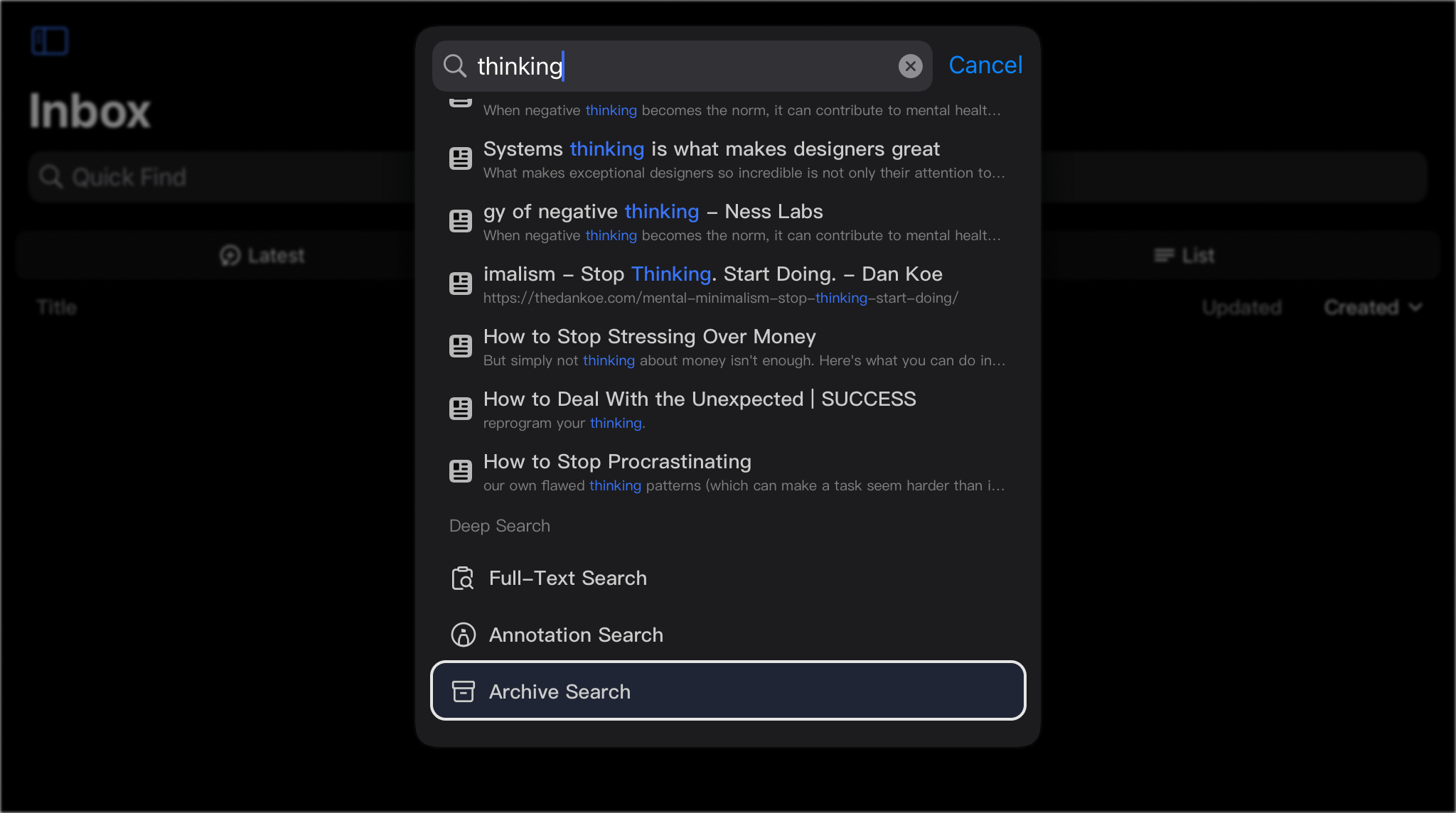
After entering keywords, select Archive Search or switch to view archived content on the results page.

# Search for Lists ( Folders & Tags )
After entering the name of a folder or a tag, you can quickly jump to the corresponding list directly through correlation.